Installing a Bell MTS 4K PVR with a Bell MTS Giga Hub
This service is only available to MTS customers in Manitoba.
To find support for your region, please select your province.
Instructions for Setting up the Bell MTS wireless Set-top box VIP 2502 can be found here
-
Connect the HDMI cable to your new 4K PVR.
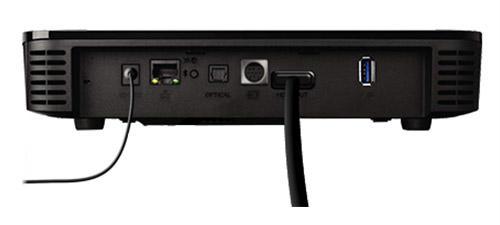
Images may not be exactly as shown
- Connect the power adapter included in the box of the 4K PVR to a power outlet.
- Turn on your TV and wait for the Connect prompt to appear on the TV. Do not press OK at this point.
- Press the OK button on the Giga Hub.
-
Press the down arrow button until "Connect Fibe TV receiver" is highlighted on the LED screen.

Images may not be exactly as shown
-
Press the OK button.
- A 5-minute pairing process will be initiated.
-
Pressing the OK button again will cancel the pairing process.

Images may not be exactly as shown
- Within the alloted time, go back to your 4K PVR and press select on your remote.
- The 4K PVR will connect to the Giga Hub and restart. You will see a Fibe TV logo on your TV and a green Wi-Fi signal light on your 4K PVR when it is ready for use. Press SELECT to watch TV.