Fibre jack
You are moments away from enjoying your new services.
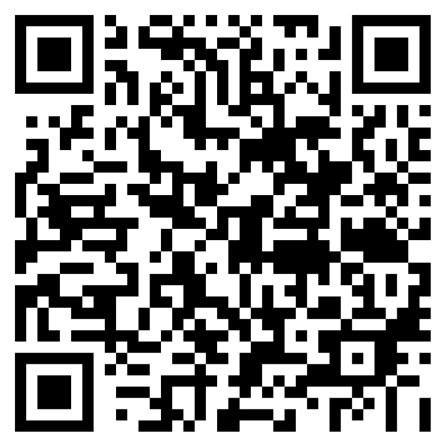
Scan to get step-by-step setup instructions in the MyBell app.
Get step-by-step setup instructions in the MyBell app.
If equipment was shipped:
If a technician appointment was scheduled:
If you picked up your modem at a Bell store:
Once you’ve received your equipment, let’s get started.
Depending on your services, your self-installation kit could include the following:
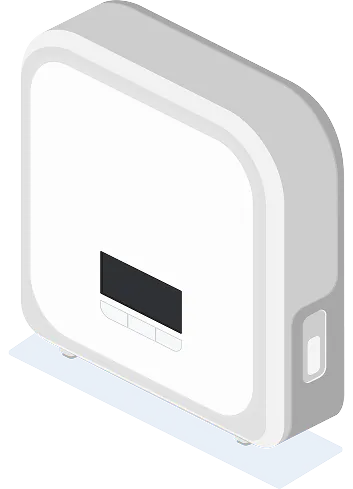
Modem
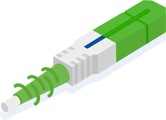
Fibre cable with green end
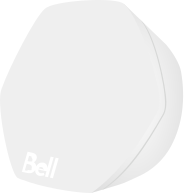
Wi-Fi pods, if ordered
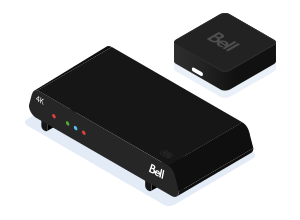
TV receivers
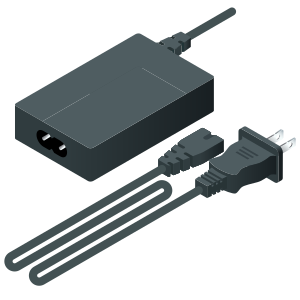
Power supplies
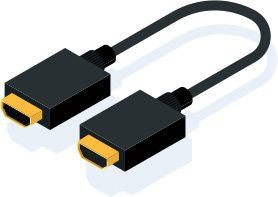
HDMI cables

Remote controls
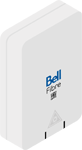
You can have one of two connection points shown below
Your connection point can be found anywhere in your home. Check on walls around the height of power outlets. It may have a Bell logo.
Fibre jack
Fibre jack with cap
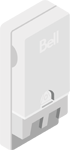
You can have one of the connection points shown below. Look for Bell stickers or icons indicating phone or Internet service.
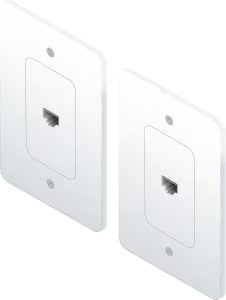
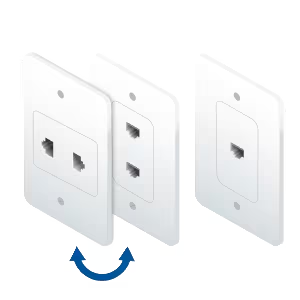
Your connection point may include:
1 jack with 2 ports
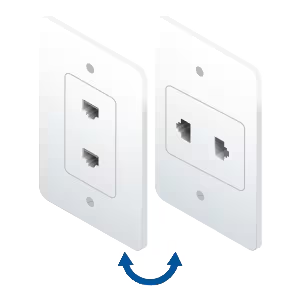
2 jacks, 1 port each
2 jacks, double + single ports
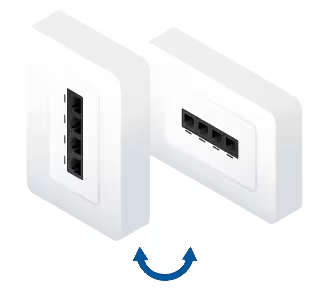
1 jack with 4 ports
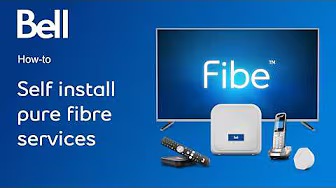
Follow the instructions in the video below to connect your services quickly and easily.
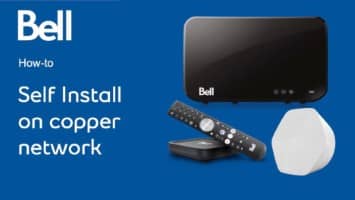
Follow the instructions in the video below to connect your services quickly and easily.
Our technical experts are available to assist you.
Contact us
Contact an agent by chat or phone